
Synesthesia WebGL2 Visualizer: 170+ Curated Shadertoy Presets, Live Stage Console & LED Matrix Bridge
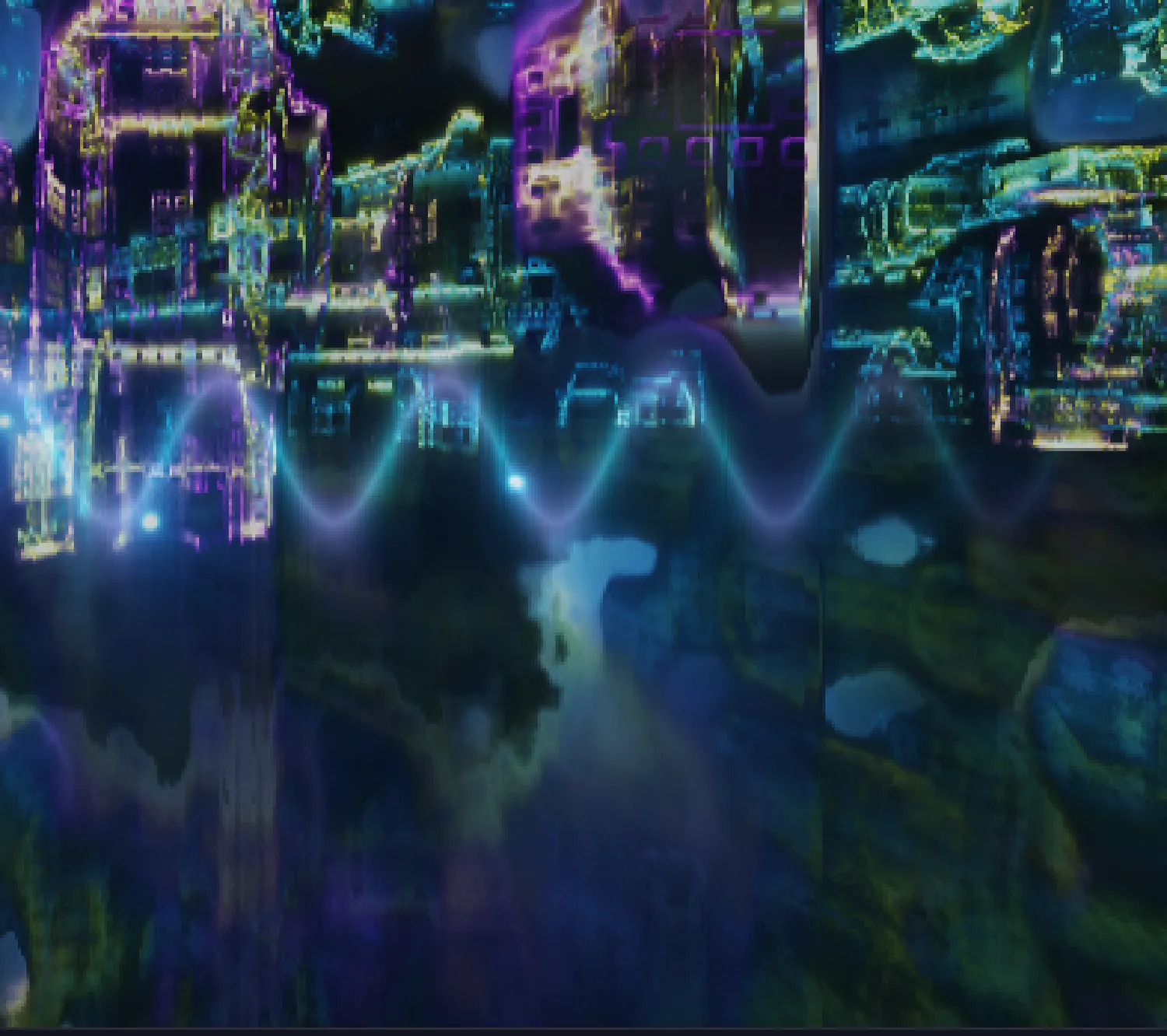
What started as a real-time WebGL experiment for visual audio feedback has grown into the renewed Synesthesia WebGL2 Visualizer: a GPU-accelerated studio instrument, curated Shadertoy runtime, and live stage visual controller integrated directly into the browser.
Built around a custom WebGL2 (GLSL ES 3.00) pipeline, the platform lets producers, VJs, and hardware enthusiasts drive over 170 real-time shaders from any live microphone, loopback routing, or calibrated audio interface.
1. 170+ Curated Shadertoy Creations & Master Presets
Selecting the right procedural visual should be fast and musically responsive out of the box. The updated visualizer library brings together 170+ curated shaders and personal favorites from Shadertoy alongside custom Master Presets tuned specifically for transient response and spectral separation.
- Instant Shader Switching & Filtering: Step through presets with Next/Prev hardware-style controls, filter by category, or jump straight into high-contrast Master Presets.
- Creative Commons Attribution HUD: Every curated Shadertoy adaptation parses and displays the original author and license header (
CC BY-NC-SA 3.0) directly on the HUD. - Live GLSL Source Inspector: Open any active preset's source code to study how the audio uniforms are mapped or inspect attribution details in real time.
2. Constant-Q (CQT) Logarithmic Audio Pipeline
Traditional linear FFT visualizers crowd almost all musical notes into the bottom 10% of the spectrum. Synesthesia processes incoming Web Audio through a logarithmic Constant-Q (CQT) mapping stage and feeds two hardware-accelerated textures into every fragment shader:
iChannel0(1024 x 2 Audio Texture): The top row (Y = 0.25) streams normalized logarithmic frequency magnitudes (20 Hzto20 kHz) with spectral tilt and gain compensation, while the bottom row (Y = 0.75) delivers the time-domain waveform. Shaders can sample any band viagetAmp(frequency).iChannel1(Scrolling Spectrogram History): A rolling 2D history buffer synchronized to the visualizer frame rate, allowing shaders to render persistent waterfall trails, neon tunnels, and harmonic echoes.- Multi-Band Energy Extraction: Adapted Shadertoy presets automatically receive calibrated
liveBass,liveMids, andliveHighslevels derived from musical frequency bands.
3. Sound Calibration Sync & Chroma-Color Engine
Your monitoring chain determines how accurately a visual reacts. The visualizer synchronizes automatically with profiles saved in the Sound Calibration Tool, carrying over your preferred input device, output routing, input gain, and pink-noise spectral tilt curve. If you want to feed Spotify, YouTube, or your DAW into the Audio Bridge without a microphone, follow our Complete Virtual Audio Cable (VB-CABLE) Setup Guide for Windows & macOS.
On top of amplitude metering, the Chroma-Color analyzer performs real-time musical pitch detection across chromatic notes (C through B), locking visual color palettes directly to the harmonic key of the track currently playing.
4. Stage Performance Console & 60 FPS HUB75 LED Bridge
For live DJ sets and studio desk hardware setups, Synesthesia goes beyond a standalone canvas:
- 12-Slot Quick-Access Console: Pin your favorite presets to slots
1through12for instant one-click transitions during a performance. - Live Stage Phrase Triggers: Overlay synced typography and glow effects on top of active shaders with customizable fonts and neon color presets.
- 60 FPS HUB75 LED Matrix Bridge: Stream downsampled framebuffers from the WebGL2 render target directly to physical ESP32-S3 HUB75 LED panels over high-speed DMA transport.
5. Interactive Community Hub
If you want to audition presets before opening the full studio console, visit the renewed Community Shaders Hub. You can test live WebGL2 previews directly inside each card, activate the shared Audio Bridge to drive previews with your own sound card, and send any shader straight into the main visualizer with a single click.